Free & open source · iOS · Android

Every trip, mapped.
Every engine reading, recorded.

Check in and KML Recorder follows the road - GPS, speed and battery, grouped by trip and exported as KML or GeoJSON. Plug in an OBD-II adapter and it records the engine too: speed, RPM, odometer, temperatures and more, pinned to where you were when you read them.

The home screen, checked in to a trip with GPS tracking active
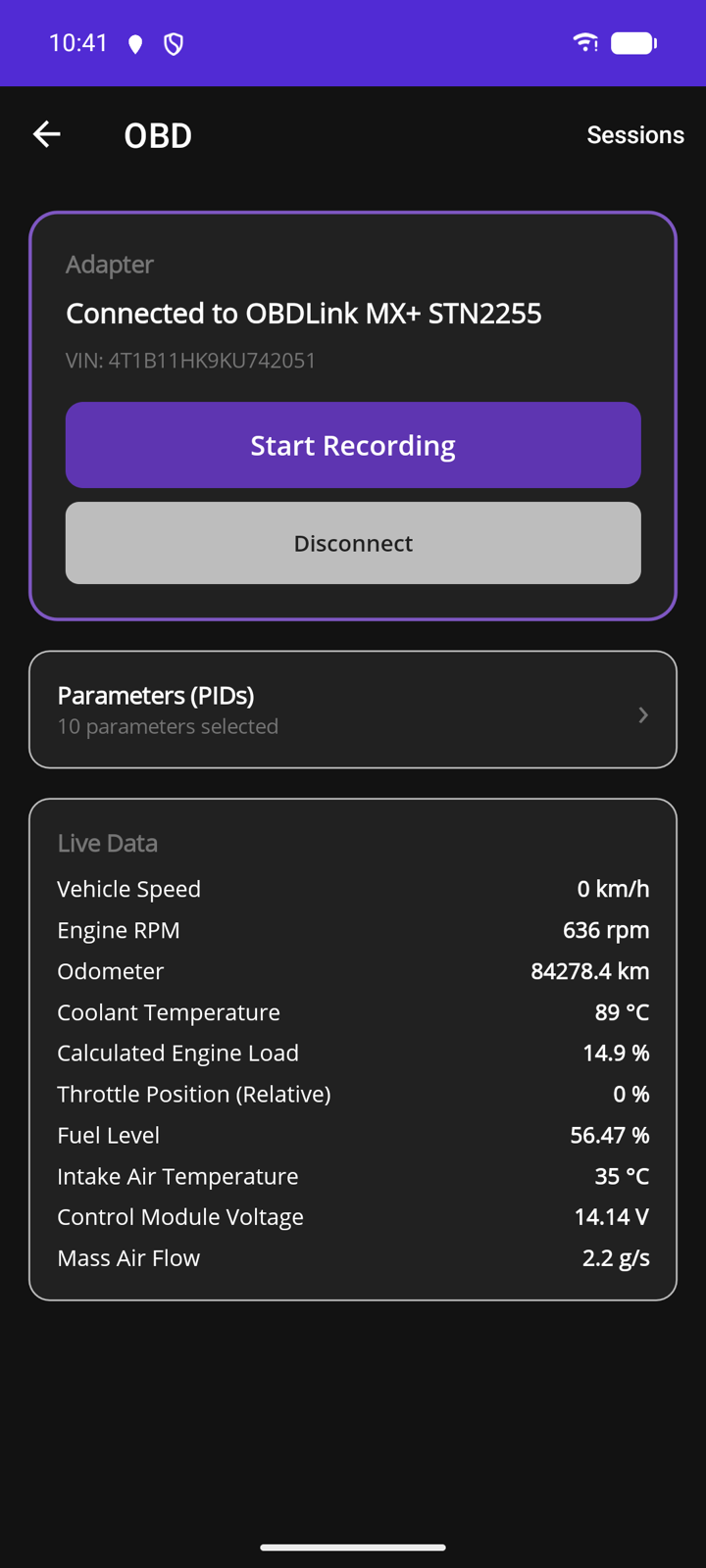
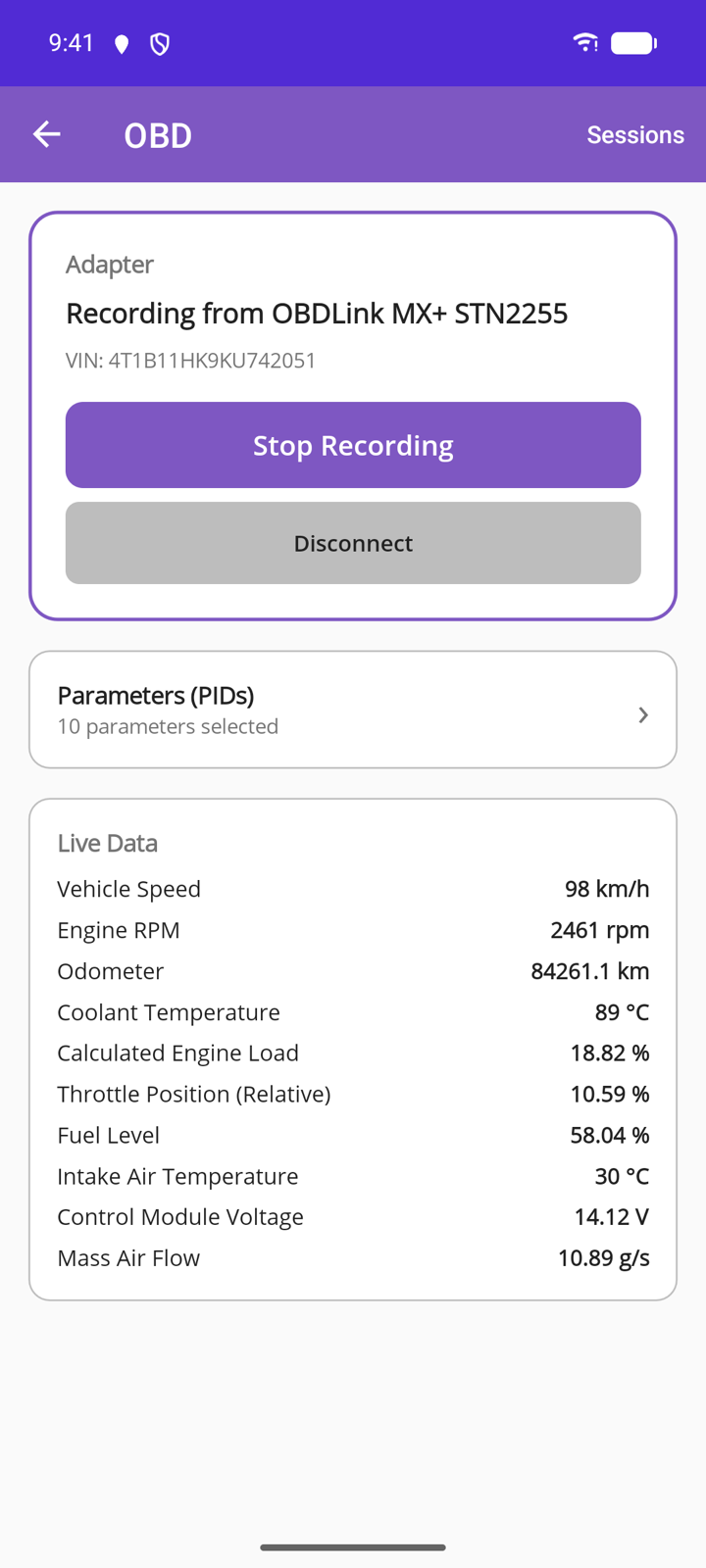
Live engine data streaming from an OBDLink adapter while recording

Built for the road

Record the trip. Record the car.

One tap to check in, and everything from then on is grouped into a trip - ready to drop onto a map.

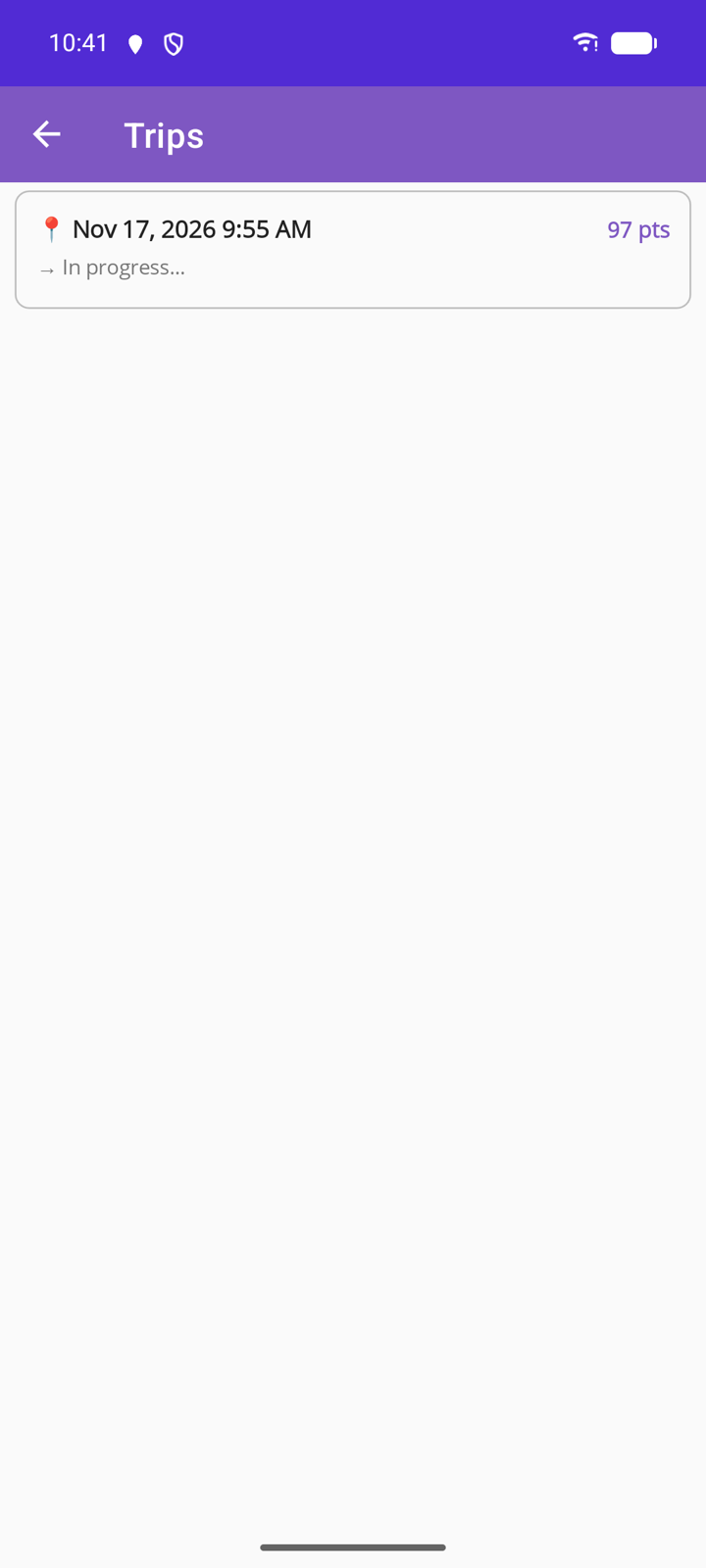
GPS trips, one tap away

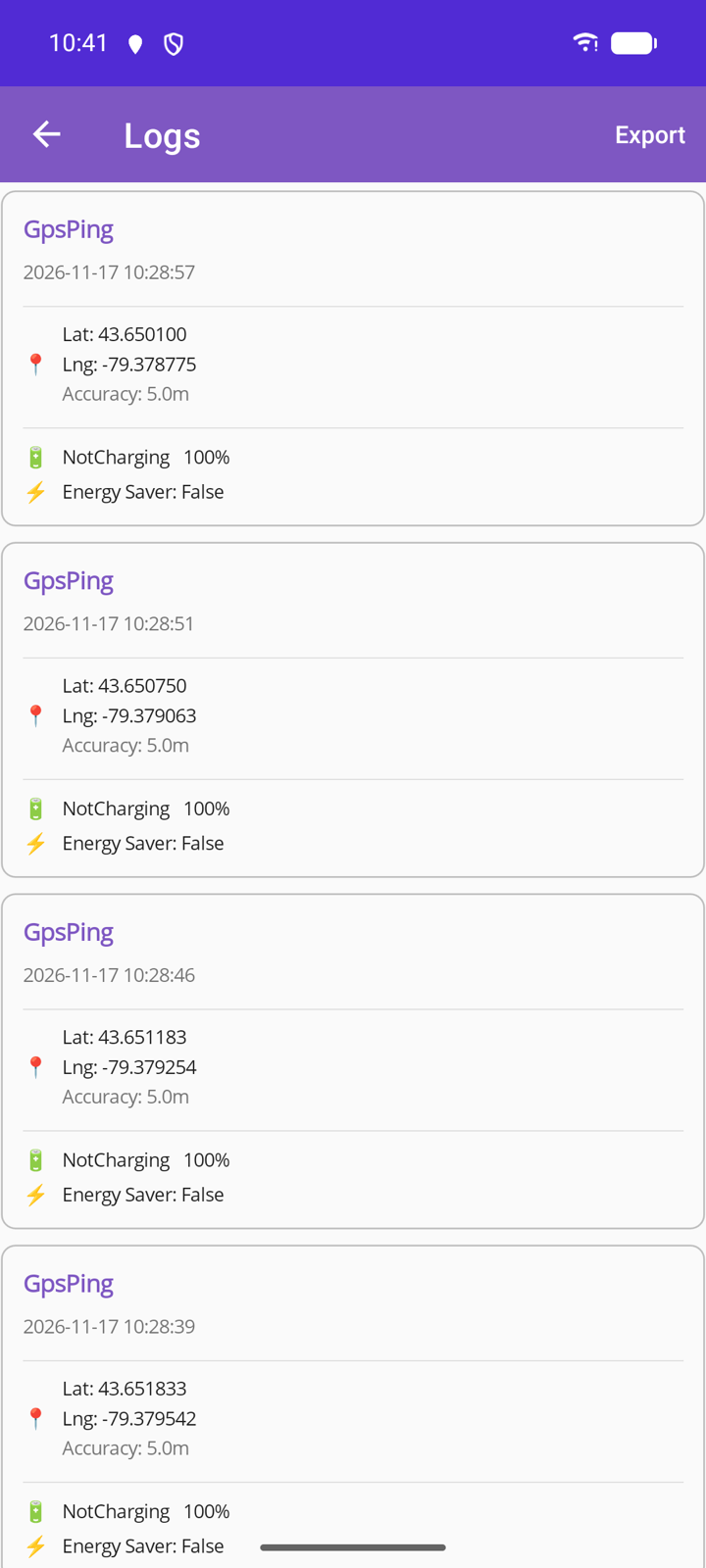
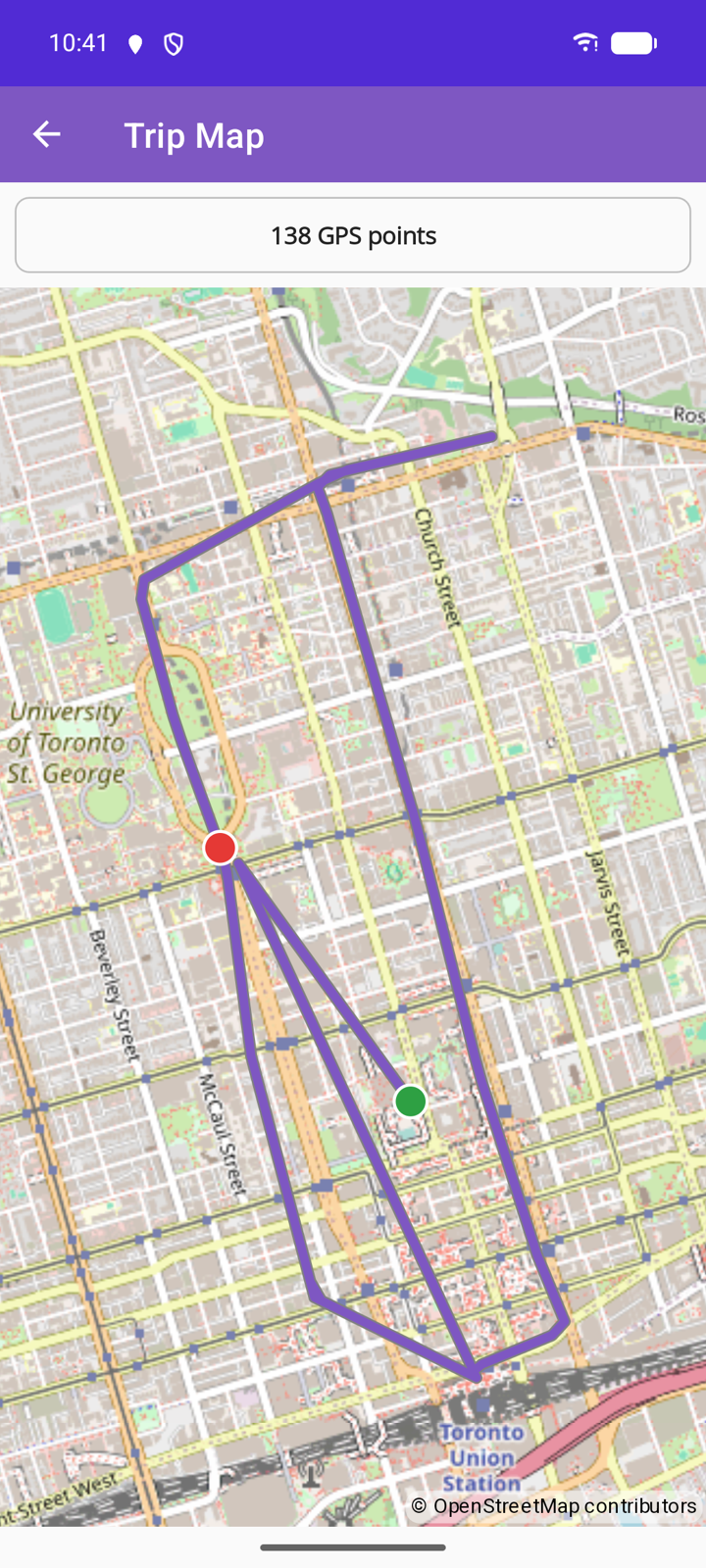
Check in and the app records every reading - latitude, longitude, accuracy, speed and time - until you check out. It keeps going with the screen off, from a foreground service on Android and background location on iOS.

  • Each check-in becomes its own trip - see it on an OpenStreetMap map, export it on its own or with the rest
  • Battery level, charge state and energy saver recorded beside every point
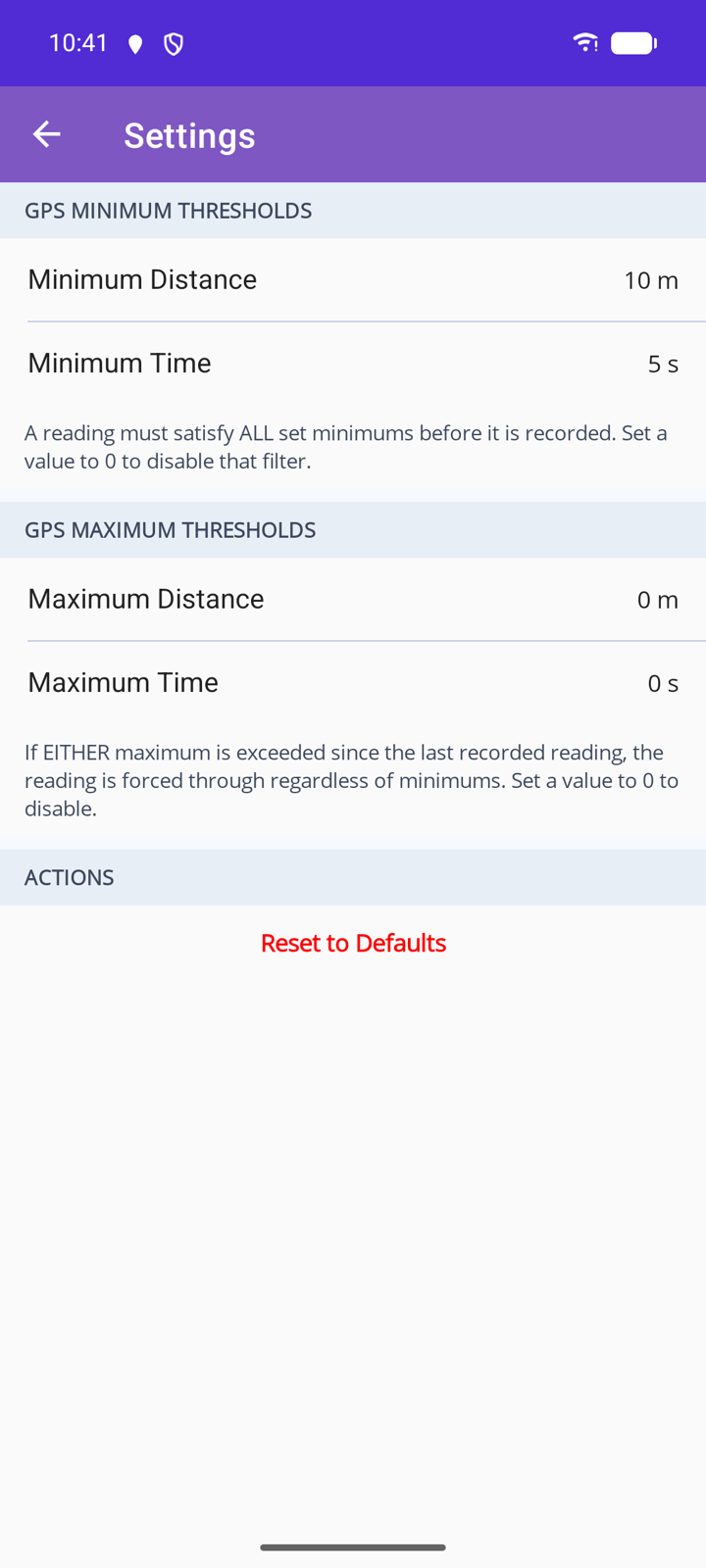
  • Minimum distance and time filters keep the track clean; maximums make sure a long stop still shows up
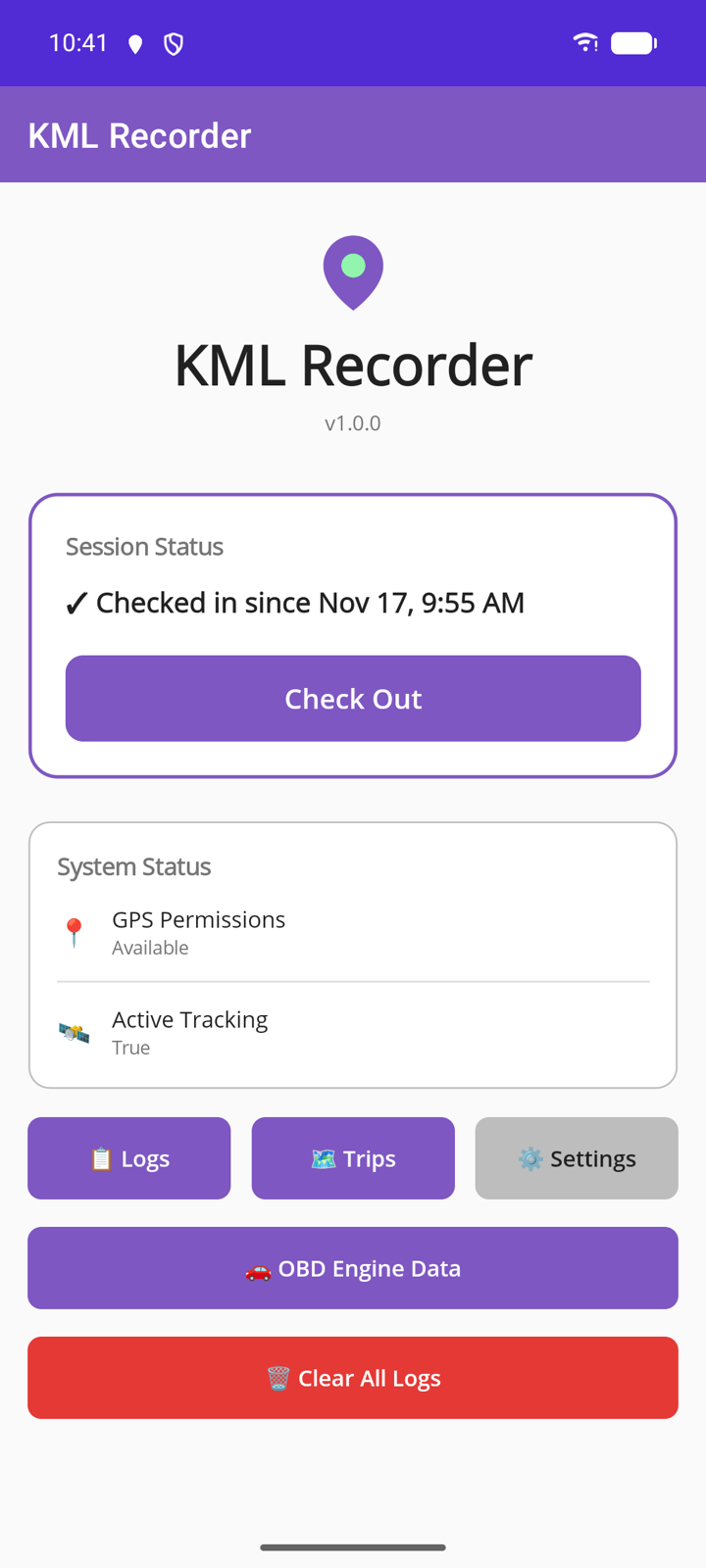
The home screen while checked in
New

Engine data from any OBD-II adapter

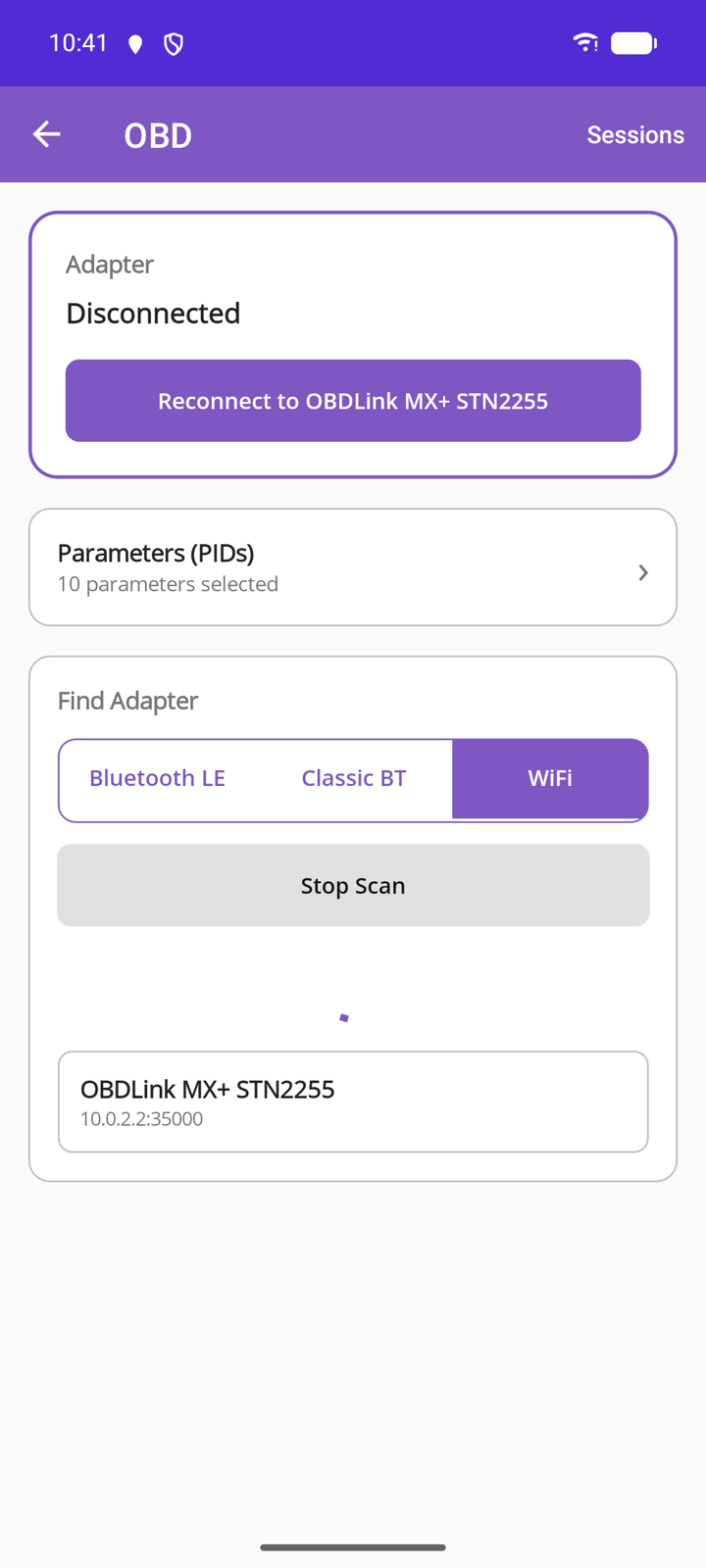
Scan, pick your adapter and connect. KML Recorder reads the vehicle's supported PIDs and its VIN, then streams the parameters you chose - and records them while you drive, tied to your GPS trip.

Bluetooth LEClassic BluetoothWiFi ELM327OBDLink (STN)
  • Reconnects to the last adapter with one tap, protocol pinned so there's no slow search
  • Every sample carries the GPS position it was read at, when you're checked in
  • A PID the car doesn't answer is left out of that sample - never recorded as zero
  • Notices when an adapter stops answering and re-initialises it on its own

Classic Bluetooth adapters (ELM327 v1.5 clones, OBDLink LX) work on Android; iOS uses BLE or WiFi adapters.

Live data: speed, RPM, odometer, coolant, load, throttle, fuel, intake air, voltage and air flow
New

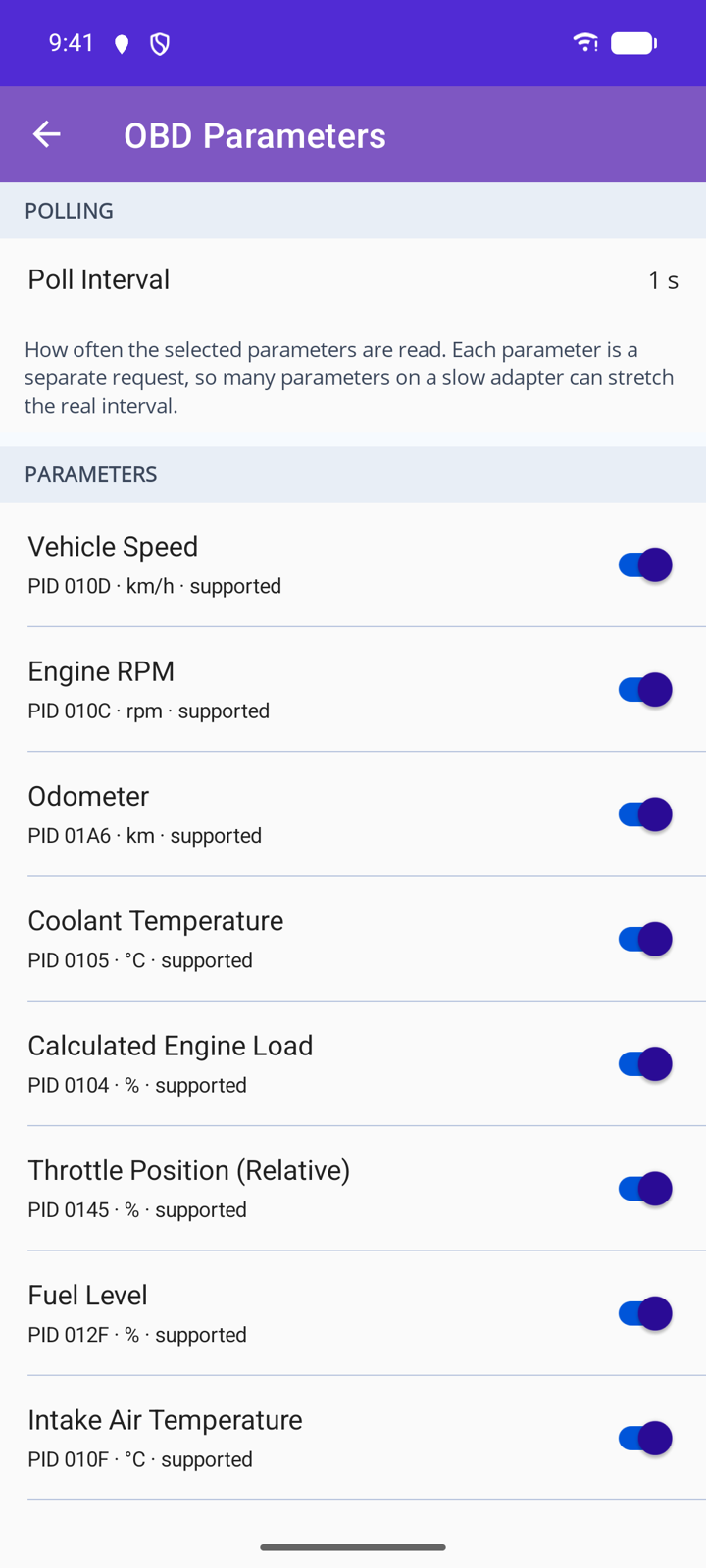
Pick the PIDs you care about

Start with a sensible default set, then switch on any of 37 parameters - fuel trims, oil temperature, boost, torque, EGR and more. Once you're connected, each one says whether your car supports it.

SpeedRPMOdometerCoolantEngine load ThrottleFuel levelIntake airVoltageMass air flow

on by default

  • Unsupported PIDs are skipped automatically, so the poll stays fast
  • Choose how often to poll, from every second to every five minutes
The parameter list with switches and per-PID support

Export it your way

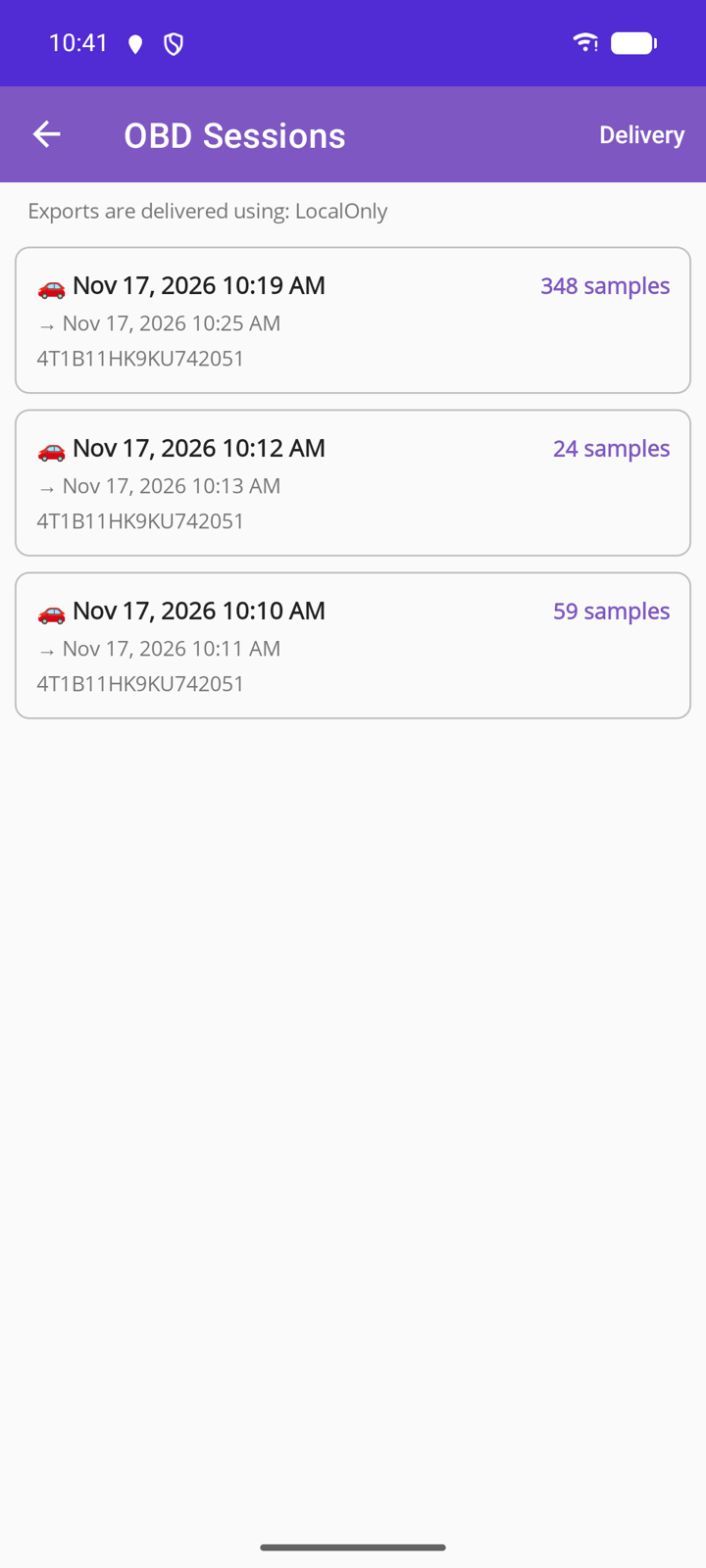
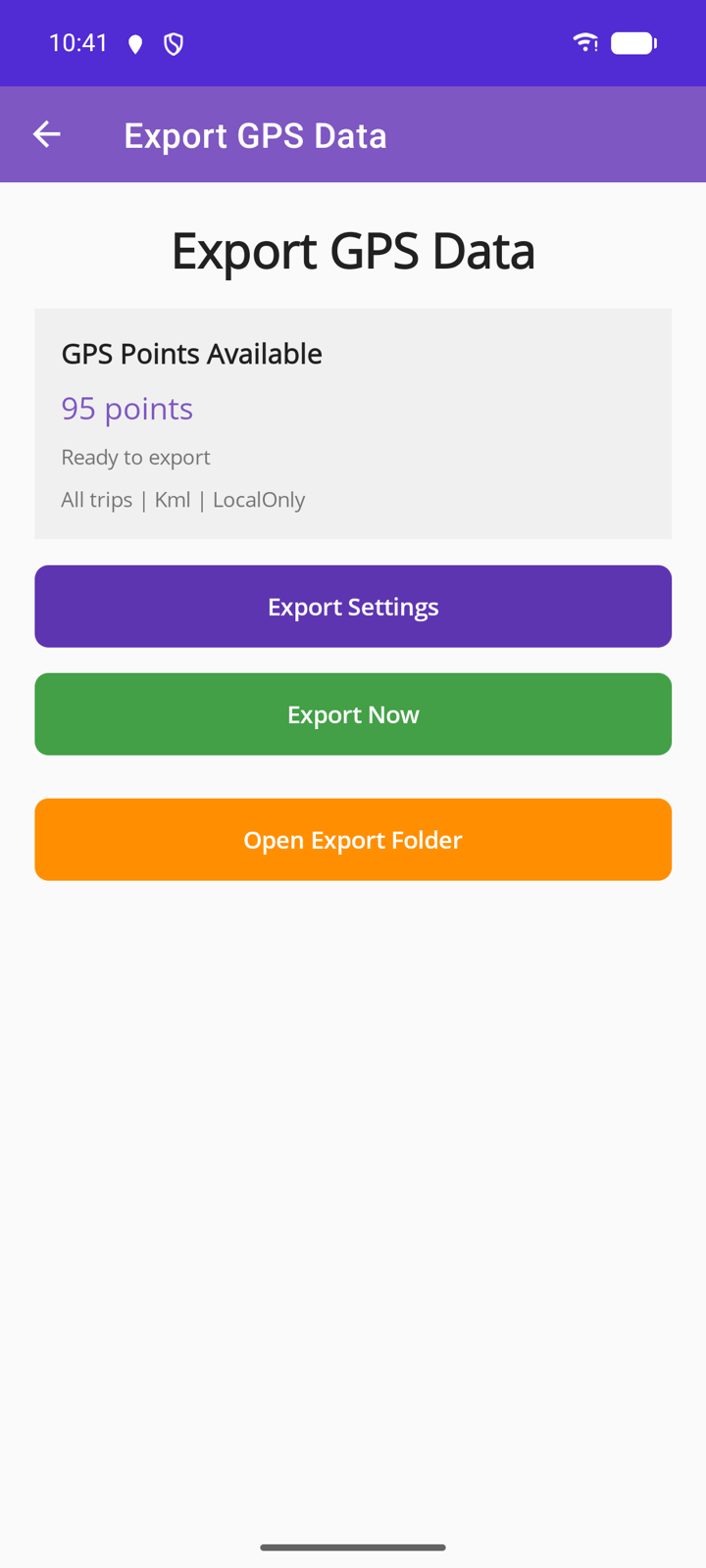
Trips export as KML or GeoJSON. Engine sessions export as CSV - one row per sample, one column per PID - or as KML with the engine readings attached to every point on the track.

KML 2.2GeoJSONCSV
  • Open an OBD export in Google Earth and tap any point to see what the engine was doing there
  • Deliver to the share sheet, email, Azure Blob Storage or keep it on the device
  • Export one trip or all of them
Recorded OBD sessions, each with its sample count and vehicle

And there's more

Wherever you are in the car

Apple CarPlay

Start and stop recording from the dashboard, with the button tracking the recording state live.

Android Auto

The same start/stop control on Android Auto, built on the AndroidX Car App library.

Home screen widgets

Recording or stopped, how long for, and a one-tap toggle - on iOS and Android.

Apple Watch

A native watchOS companion shows the trip and checks you in or out from your wrist.

Battery aware

Charge level, charging state and energy saver are captured with every point, so you can see what a trip cost.

Clean tracks

Minimum and maximum distance and time filters decide which readings are worth keeping.

Stays on your phone

Everything is stored in SQLite on the device. Nothing leaves it until you export.

Knows your car

Reads the VIN and the PIDs your vehicle supports on every connect, so a session is labelled with the car it came from.

Native and fast

.NET MAUI with ahead-of-time compilation on iOS - a native app, not a web view.

Under the hood

The tech stack

C# and .NET 10 from top to bottom - one .NET MAUI code base, native on iOS and Android, with Swift only where Apple requires it.

Language & runtime

  • .NET 10the runtime, AOT compiled on iOS
  • C#the app, services and platform code
  • XAMLthe pages, source generated
  • Swift & SwiftUIthe iOS widget and Apple Watch app

UI & navigation

Location & devices

Vehicle

Data & app plumbing

In the car

Get KML Recorder

Free and open source. Build it for your phone from the source on GitHub.

Needs an OBD-II adapter for engine data - any ELM327 or OBDLink over Bluetooth LE, classic Bluetooth or WiFi.